

New feature in update 5.0: Unpacking
 Joelle Hablé : Feb 5, 2026, 3:31:03 PM
New feature in update 5.0: Unpacking — process materials directly in the right location and automatically update your inventory.
In practice, we see that material usage for projects and inventory management does not always align. Material is picked for a project but is processed administratively only later — or sometimes not at all. This leads to inaccurate inventory levels and extra manual corrections.
With update 5.0, we are introducing pick lists: a feature that better connects inventory management with project materials and makes collecting materials easier.
Inventory is part of the purchasing process and should not be managed separately. At the same time, materials are often taken directly on the shop floor as needed. Pick lists were developed to capture this usage immediately.
With pick lists, you can:
link material usage directly to projects,
differentiate between ordered project materials and on-hand stock,
reduce administrative tasks on the shop floor,
and minimize the risk of errors in inventory and project management.
Additionally, pick lists make project preparation easier by clearly showing in advance which materials still need to be picked from inventory.
What is a pick list?
A pick list is a digital method for collecting materials and transferring them all at once to a project or another inventory location, such as a van.
A pick list can be created:
online via My Inventory by selecting materials,
or in the mobile app by scanning materials.
In the pick list, you specify where the materials should be moved and in what quantities.
A project planner prepares a project that requires standard materials, which are already in stock in the warehouse. Using My Inventory, they create a pick list in advance and link it to the project.
The technician opens the pick list in the app, scans the materials while collecting them, and processes the pick list with a single click. The inventory is automatically updated, and the materials are immediately recorded against the project. This keeps both the inventory records and the project overview up to date, without any additional manual processing afterward.
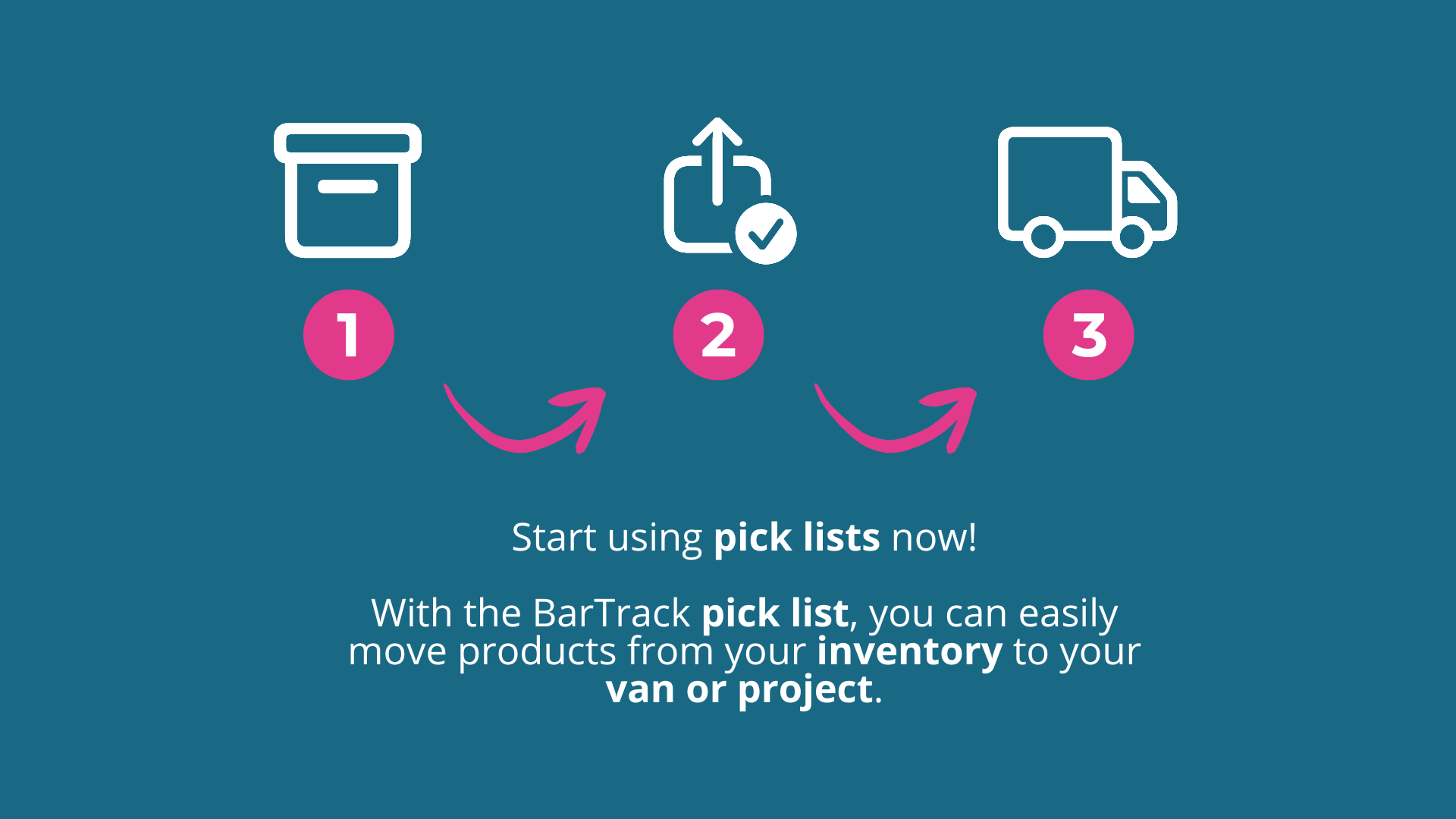
Do you have a Professional license? Then pick lists are immediately available in BarTrack. Discover how pick lists help better align inventory with project materials and reduce administrative tasks on the shop floor.
If you have questions about using pick lists or want to know how this feature fits into your workflow, please contact us.
.png) Joelle Hablé : Feb 5, 2026, 3:31:03 PM
Joelle Hablé : Feb 5, 2026, 3:31:03 PM
New feature in update 5.0: Unpacking — process materials directly in the right location and automatically update your inventory.
 Joelle Hablé : Mar 5, 2026, 11:37:01 AM
Balances in BarTrack 5.0: check and correct your inventory in a single click, with scanning, counting, and real-time updates.
 Joelle Hablé : Jan 22, 2026, 3:13:34 PM
Discover BarTrack 5.0: purchasing and inventory management integrated in one system, with new features: pick lists, stocking inventory, balances, AI...